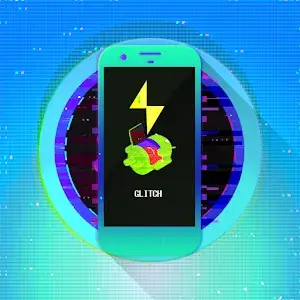

BEAUTIFUL ICON PACK
Glitch icon pack provides more than 5000 unique icon designs with special glitched-out effects for each icon. The dynamic calendar support feature allows icons to change daily, bringing freshness to your interface. Users can choose from many alternative colors and icon styles, including system designs of OnePlus, Pixel, Samsung, Moto, HTC, Asus, LG and more. If you can’t find the icon you want, you can submit a request to complete your collection, helping to create a personalized and impressive interface.
DASHBOARD APP
Glitch Icon Pack offers an easy-to-use experience with the ability to apply icons to the most popular launchers automatically. Users can easily browse through icons through the built-in category and search support, allowing for quick switching between designs. The app also allows for direct submission of missing icon requests to the server. Over 400 matching wallpapers are available, along with the ability to apply and save a variety of exclusive custom wallpapers. Additionally, users can easily copy color swatches from the wallpaper collection. The app also includes built-in Kustom widgets and supports contributions for future options, enhancing the personalized experience.
Read more
Help
Can't download?
Installing games & apps
Installing games with cache
How to install APKS
Request Help
Frequently Asked Questions
Unable to download
Check your network connection. If you’re sure the connection is stable, the problem might be due to an error on our part when placing the link. Please click Report and let us know. We will fix it as soon as possible.
How to install APK file
Download and tap the file. Your device’s default installer will install it. Note that the installation process may currently encounter difficulties as Play Protect blocks the installation of mods and APKs from outside Google Play. Please disable Play Protect or allow installation (unsafe button).